How do I save an article for later?
Click the Read later icon on the article, in the article list or in the open article's toolbar, or press F. The icon turns yellow and the article goes to Saved > Read later. Click the icon or press F again to remove it.
Save an article
- Point at an article in the list, or open it.
- Click the Read later icon, or press F. The icon turns yellow and "Saved to Read later" shows for a second.
- Find the article later in Saved > Read later. G then F opens the list from anywhere, and the badge on the Saved tab counts the articles in it.
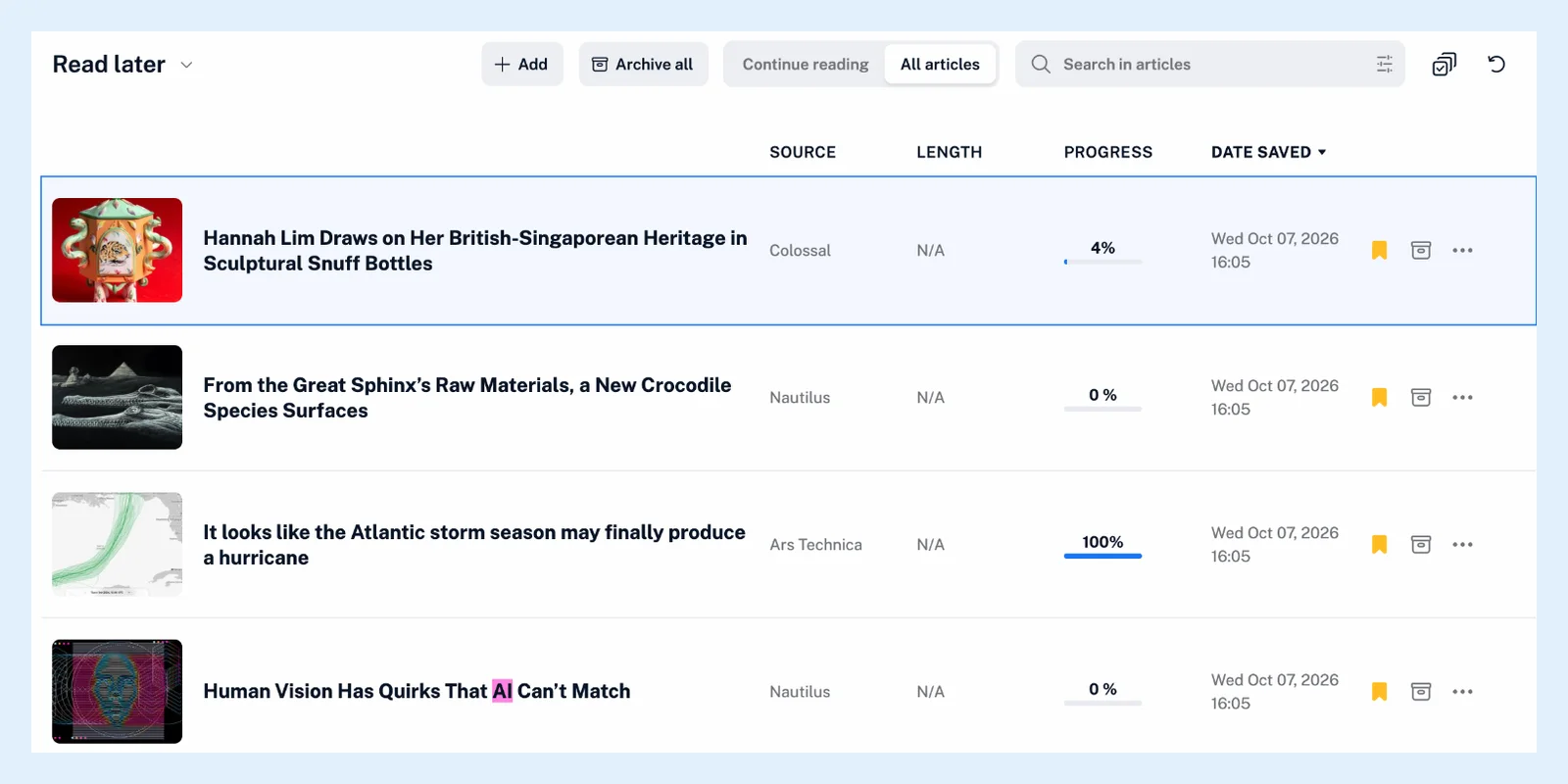
S saves an article too when you're not in a Team. With a Team, S is Share with Team. Saving is stored on your account, so the article is in Read later in the Inoreader apps as well. The video shows it step by step.
Remove an article
Click the yellow icon or press F again. The article leaves Read later, and its reading progress is deleted unless the article is in the Archive. Saving an article that is in the Archive moves it back to Read later.
Save with bulk actions or a rule
With Pro, turn on Multiple select, select up to 50 articles and click the Read later button in the bulk actions bar, which reads Add to Read later or Remove from Read later. A rule, also Pro, saves articles for you with the Save to Read later list action, and the New article in Read later list trigger runs a rule on every article you save.
Save pages outside your feeds
Add in the Read later header, the browser extension, the bookmarklet and the share menu of the mobile apps save a web page to the same list.
Find saved articles in a feed
Show saved articles first under Preferences > Settings > Article listing puts them at the top of every feed and folder, and Show saved articles only in the feed menu (Shift + 3) lists only those. Tags are the other way to keep an article.
Plans
Saving works on every plan, as the feature page Save articles and read them when you have time says. Multiple select and rules are Pro.
Can't find an answer? Contact support