How do I follow Facebook pages?
Go to Add feed > Facebook page, connect your Facebook account, then paste the page's facebook.com address and click Follow. Only public pages can be followed, and Facebook page feeds are a Pro feature.
Follow a page
- Click Add feed in the tab bar and choose Facebook page.
- Click Connect your Facebook account and sign in to Facebook.
- Paste the page's address, such as https://www.facebook.com/Inoreader, and press Enter.
- Click Follow next to the page.
- To file the new feed in a folder, right-click it in the sidebar and choose Add to folder.
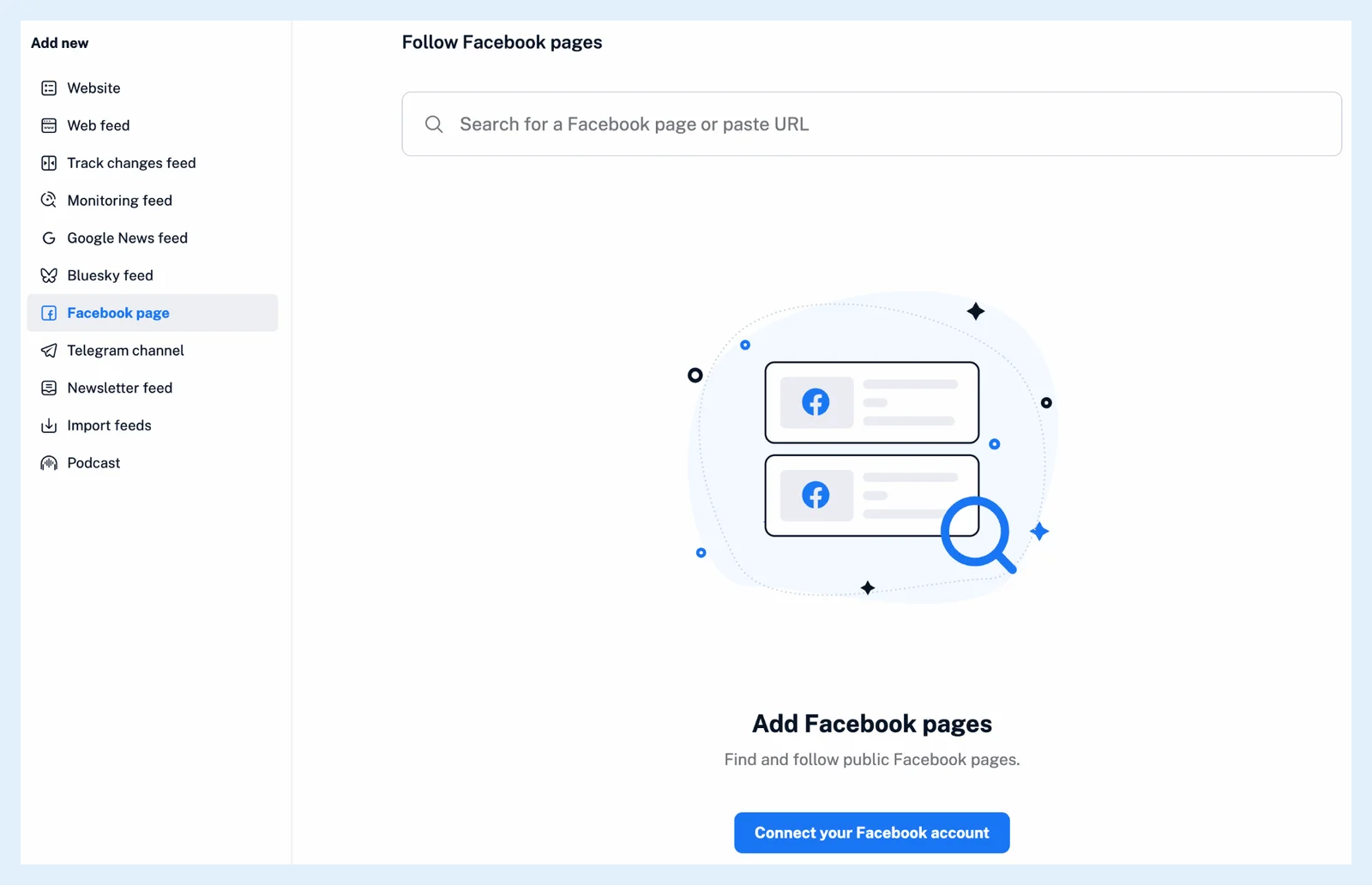
Any facebook.com address works, including the m. and mobile. forms, and an address pasted under Website switches to the Facebook page section by itself. Verified pages show a Verified badge in the results.
Manage your Facebook feeds
Facebook page feeds sit in the sidebar like any feed and belong to your account alone. Manage them in Preferences > Content > Feeds with the type filter Facebook feeds. The connection is listed in Preferences > Share, save, login as Facebook. Where can I manage my integrations? describes that page.
When your Facebook token expires, Inoreader shows a notification that your Facebook feeds have stopped updating, with a link to renew it, and the Facebook row in Share, save, login asks you to reconnect your account.
Plans and limits
Facebook page feeds are Pro: 30 per account, with a Team that has a shared pool sharing 100 or 150 across the team and custom plans able to add more. When Pro ends, the feeds are kept but stop updating until Pro returns. Can I follow social media sources in Inoreader? covers Bluesky and Telegram, How do I add a feed? the ordinary websites, and Find the sources worth following the other ways to find sources.
Can't find an answer? Contact support