How many rules are included in Pro plans?
Pro includes 30 rules, and every rule counts, whether it's switched on or off. You see how many you use under the list in Automate > Rules and in Preferences > Billing and usage, where Increase limits adds more rules as an add-on.
See your usage
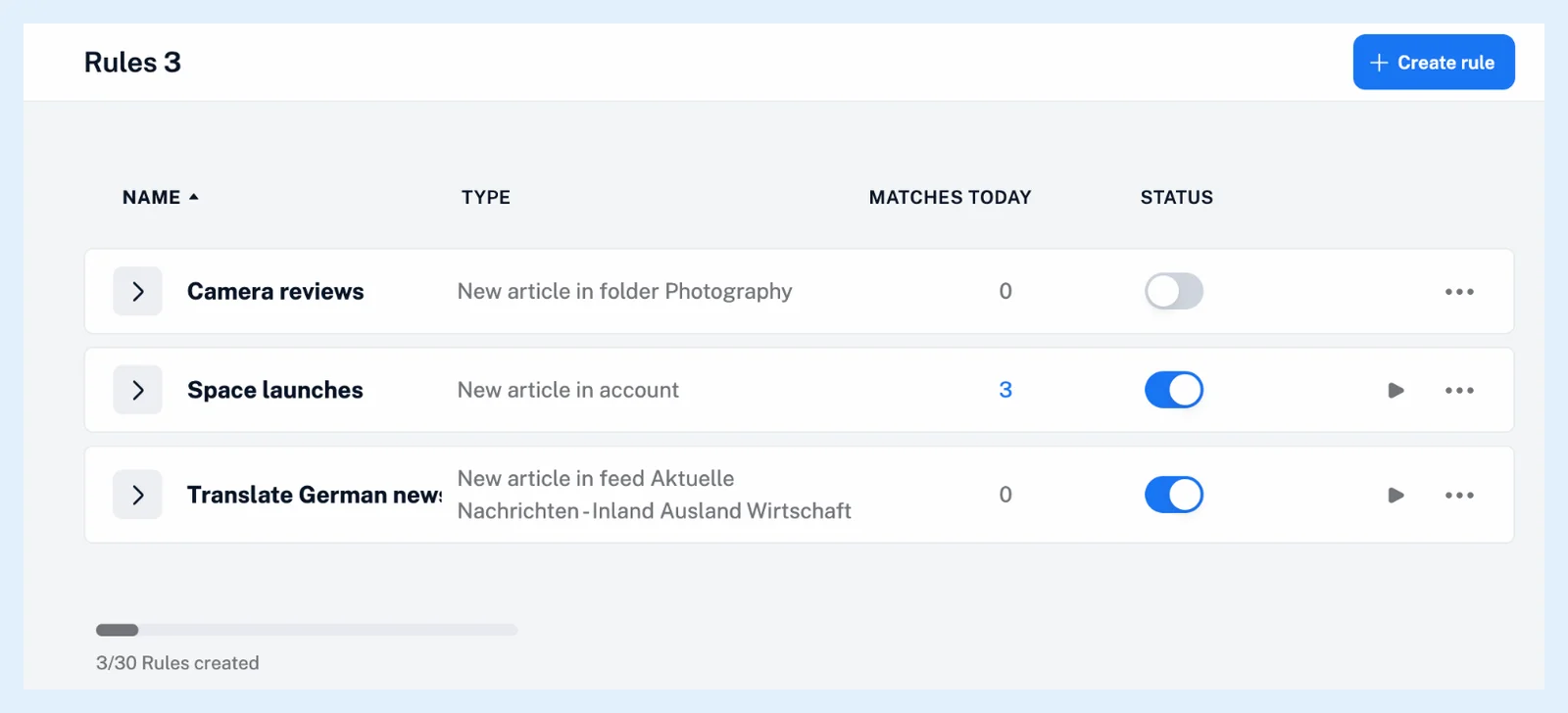
Under the Rules list, a usage bar shows the rules you use out of your plan's limit. It warns you when you're close to the limit and when you've reached it. Preferences > Billing and usage has the same number on its Usage tab, one row per feature, with a search box for the feature you're after.
Add more rules
- Go to Preferences > Billing and usage and open Usage.
- Click Increase limits.
- Choose Rules in Choose your add-ons and pick how many to add: 20, 50 or 100. Two add-ons get 10% off, three or more 15%.
On a custom plan, Increase limits opens a contact form instead. Can I increase the limit on a specific feature? covers add-ons in general.
Reach the limit
At the limit, Save rule on a new rule answers "You have reached maximum allowed number of Rules!" with your usage, and a switched-off rule shows a lock: it can't be switched on until you delete another rule. Switching a rule off doesn't free its place. Delete rules you no longer need from the ⋯ menu in Automate > Rules with Delete rule. Conditions and actions inside a rule have no practical limit.
Change plans
When you move to Free, your rules are kept but stopped, and they resume when you come back to Pro. Rules you switched off yourself stay off. With more rules than the plan allows, for example after a plan change, the oldest 30 keep running and the newer ones are stopped and locked.
Free and Supporter plans include no rules, and the Rules page offers Upgrade to Pro and, when you're eligible, Start Pro trial. In a Team with a shared pool, the team shares one rule allowance, 100 or 150 rules depending on the plan tier, and a member at the pool limit sees "Team limit reached", while in a Team without a pool each member has 30 rules. How do shared feature pools work? explains the pool. Filters have a limit of their own. Rules are a Pro feature. What are rules? explains their parts and Where can I create and manage rules? the Rules page.
Can't find an answer? Contact support