What can I use Web feeds for?
Use a Web feed for any page that lists links and has no RSS feed of its own: a news or press section, a blog without a feed, a job board, an event calendar, a product listing, release notes, public notices or a list of documents. Each new link arrives as an article you can read, filter, tag or act on with a rule.
Pages that fit a Web feed
A Web feed follows a list of links, so it needs a page where new items appear as links: a company's newsroom, a blog without a feed, a documentation or release notes page, a job board, a tender list, an event calendar, a page of public notices, a course catalog or a grant program. The feature page Follow any website, even without a feed collects more examples, and the post 8 ways to stay ahead of the curve with Web feeds walks through several of them.
Lists of PDF documents work too: an article whose title starts with "[pdf]" shows the document in a viewer inside the article.
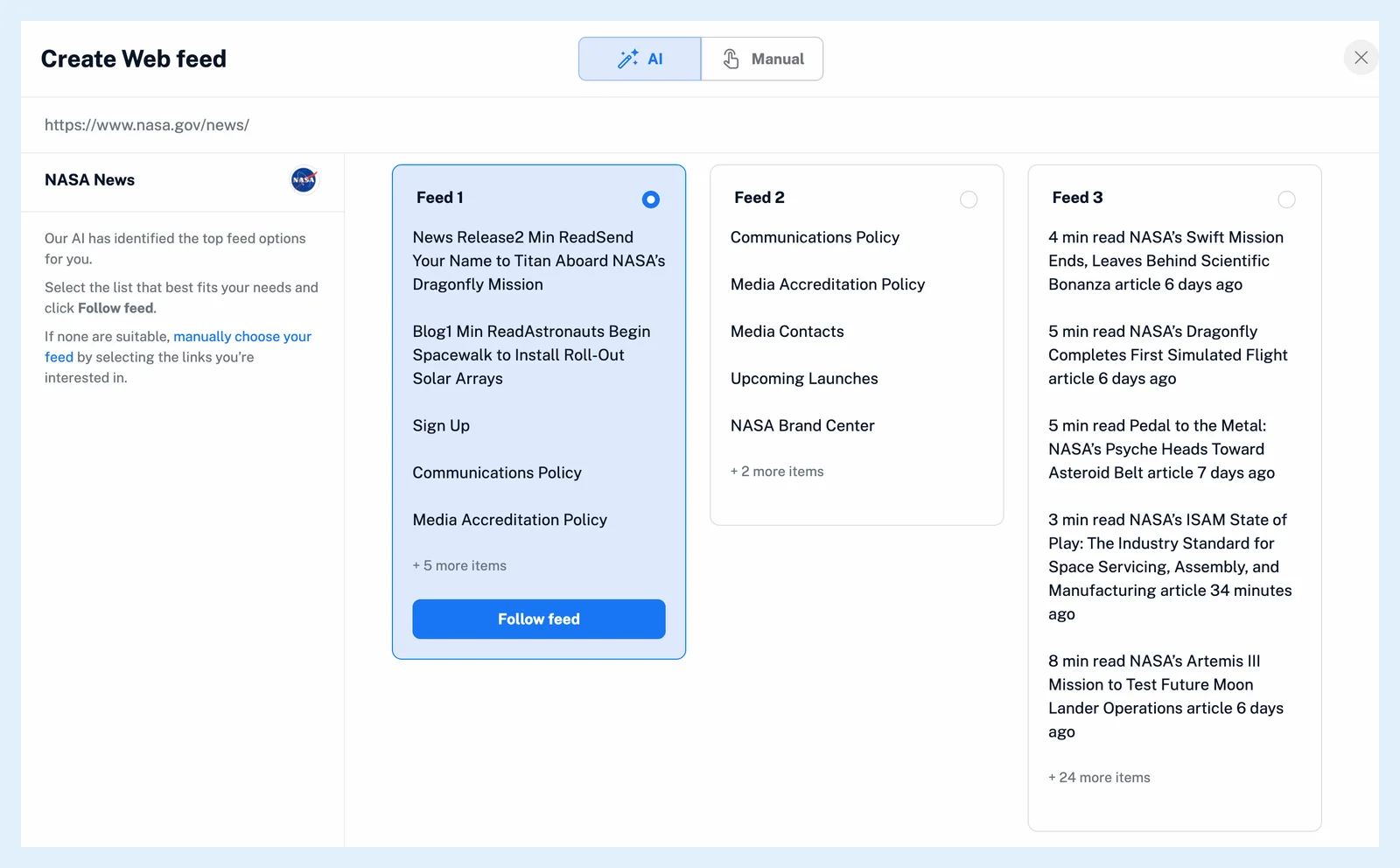
Pages that need a setting or two
Some lists add new items at the bottom instead of the top. In Manual mode the preview has an option for that. Pages that load their content with scripts need Page settings > Enable JavaScript, and a cookie wall or an overlay goes away with Remove cookie consent or Select & remove element. The steps are in how to create a Web feed.
Act on each new item
A Web feed is a feed, so folders, filters, rules, search and tags all work on it. Right-click the feed and choose Create rule to get a push notification or an email for each new item. See what actions rules can perform.
Choose Track changes for one changing value
A Web feed needs a list. To watch a single value or paragraph that is updated in place, such as a price, a stock message or a schedule, use a Track changes feed. See whether to use Web feeds or Track changes and what Web feeds are.
Plans and limits
Web feeds are a Pro feature: Pro includes 20 Web feeds and Track changes feeds together, a Team with a shared pool shares 150 or 200 across the team, and more are available as an add-on.
Can't find an answer? Contact support