What is a Team channel?
A Team channel is an invite-only space inside your Team where members share articles, with an optional note, and discuss them in comments. Team admins create channels and choose who is in each one.
Every member of a channel finds the shared articles under Channels in the Team sidebar and, by default, gets a notification in Inoreader and on the phone when a new article lands there.
Who is in a channel
Only Team admins create channels, in Manage Team > Content > Channels, and they add the members. A channel you aren't in asks you to reach out to an admin for an invitation.
A channel has a Name, an optional Description, Invite members and Integrations: Output feeds, a Microsoft Teams integration and a Slack integration. Read status visibility decides who sees the "seen by" line under a shared article: with Sender only the person who shared it, with Everyone all channel members.
Share and discuss
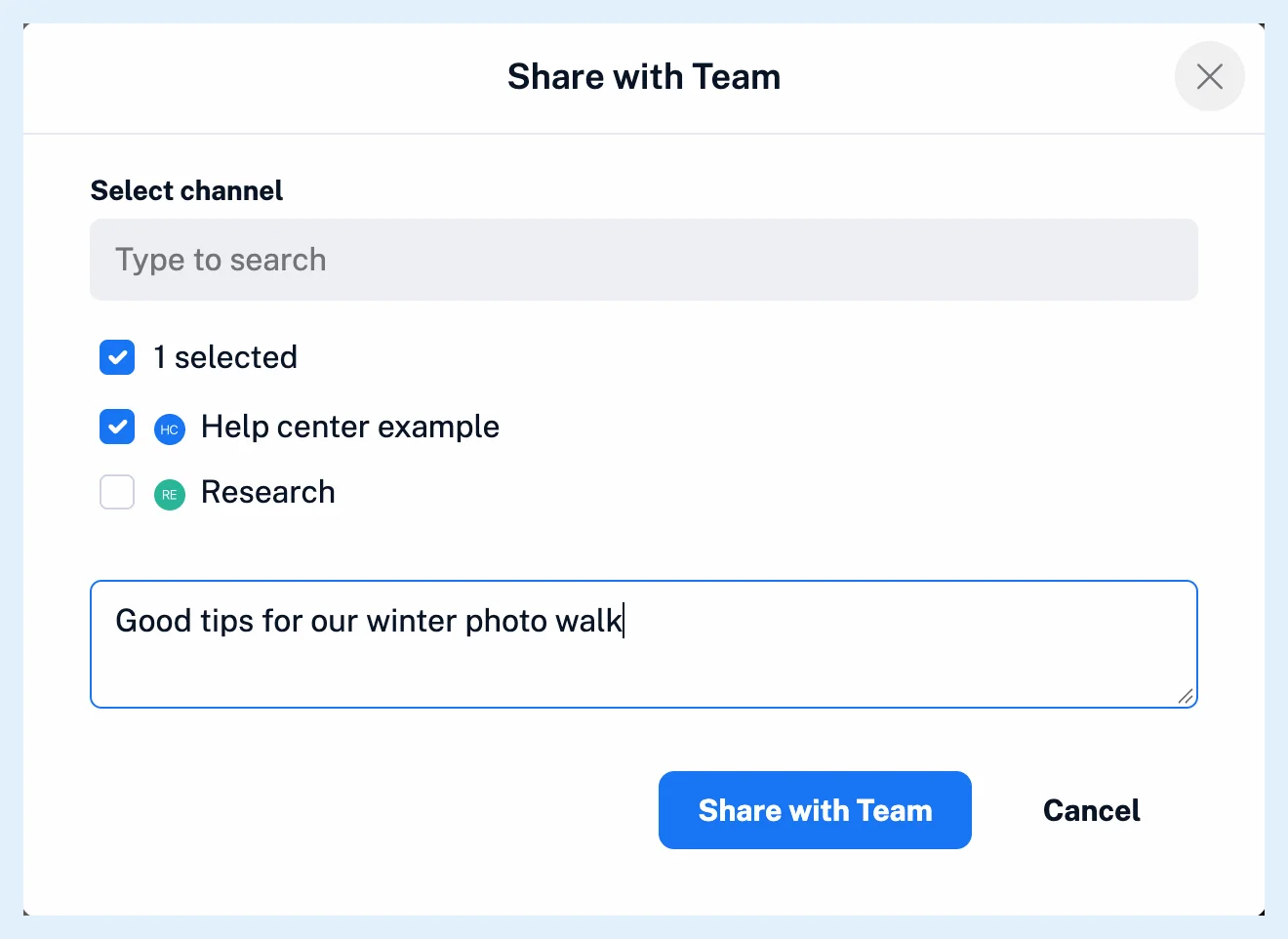
Members of a channel share an article into it with Share with Team, as How do I share an article with my Team? describes. The note becomes the first comment under the article, and members comment and mention people by typing @ and their name. Shares and comments also appear in the Team's Activity, and Where do comments appear? lists where comments show up. A channel connected to Slack or Microsoft Teams gets each shared article posted there once.
Notifications
When an article is shared to a channel, every other member of that channel gets an in-app notification under Notifications in the tab bar and a push notification in the Inoreader app. Comments and mentions reach you in the app, by push and by email. Each member sets this per channel in the channel's ⋯ menu under Notifications, with the switches New shared article and Comments, both on by default.
Plans
Team channels come with the Team and Team Intelligence plans, and only Team admins create channels and add members. What's the difference between Team channels and Team tags? and What is the difference between a Team folder and a Team channel? compare channels with tags and folders. The feature page Share one set of sources with your whole team and the blog post Introducing new collaboration features for Inoreader Teams have more.
Can't find an answer? Contact support