A cleaner top bar and quicker access to key features
In our latest update, we’ve introduced a couple of interface changes that you’ll notice right away – less movement, less clutter, and faster access to the things you use most.
Here’s what’s new:
A compact top bar that stays out of your way
The top bar has been redesigned to feel more stable and make content easier to scan. It now stays in a single, fixed line, which means no more expanding and collapsing as you scroll, fewer distractions, and no shifting elements while you’re reading.
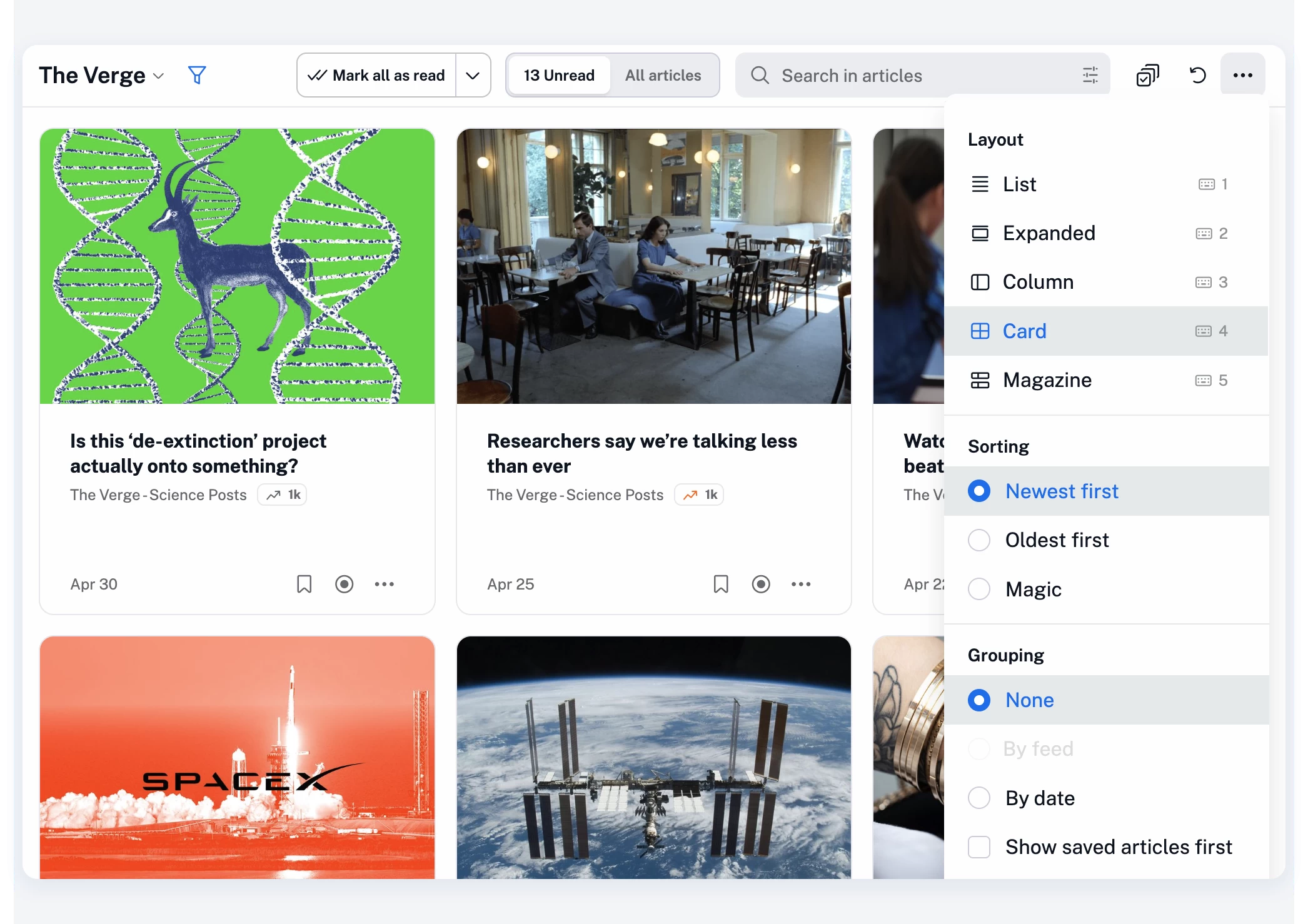
At the same time, based on your feedback, we’ve regrouped the controls so everything sits more logically in one place:
- The Mark all as read button is now easier to spot and access, and stays in place as you move between sections, making it faster to use repeatedly (for example, when quickly skimming through articles and using the Advance to next section option)
- The unread/all articles toggle is back in its familiar pill-style form, now always visible, with a single-click switch and the unread count staying on screen at all times
- The contextual search bar now includes an option to build more advanced queries, either manually or with the help of our query assistant
- Layout, sorting, and grouping options have been moved into the More (…) menu to keep the top bar clean without removing functionality
The goal here is simple: make the interface feel lighter, while giving you quicker access to key features with fewer clicks.
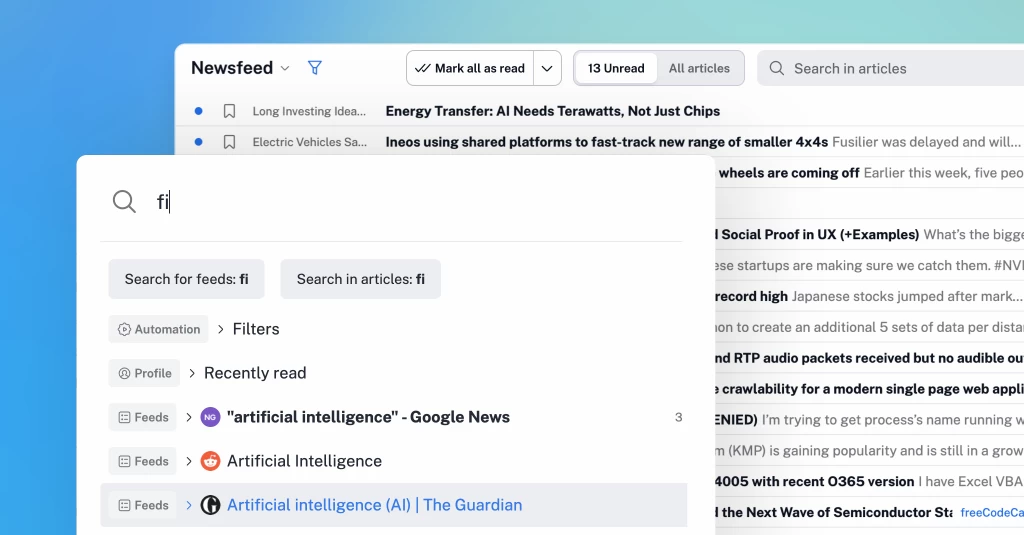
Jump anywhere with our new quick access menu
We’ve also reworked the quick access menu to make it much more useful in day-to-day browsing.
Press . (dot) on your keyboard at any time, start typing, and jump straight to what you need.
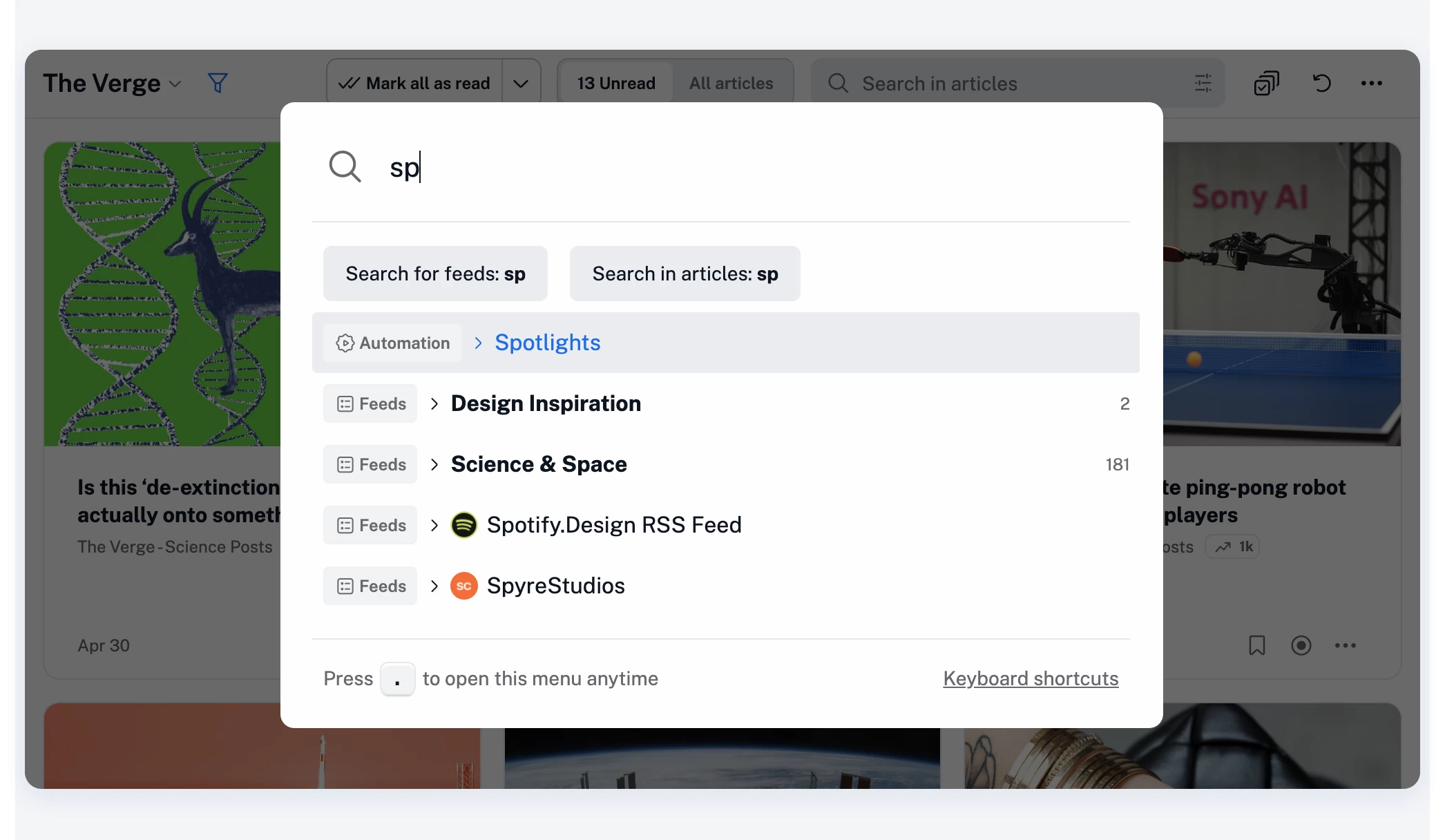
You can quickly access any section across Inoreader’s full range of features and settings:
- Feeds and folders
- Dashboards and saved items
- Search and automation features
- Team resources (if you’re part of a Team)
…and pretty much anything else in your account.
You can also quickly add RSS feeds – just paste a URL and press Enter.
The full list of keyboard shortcuts is also available there, or you can open it anytime with h or ?.
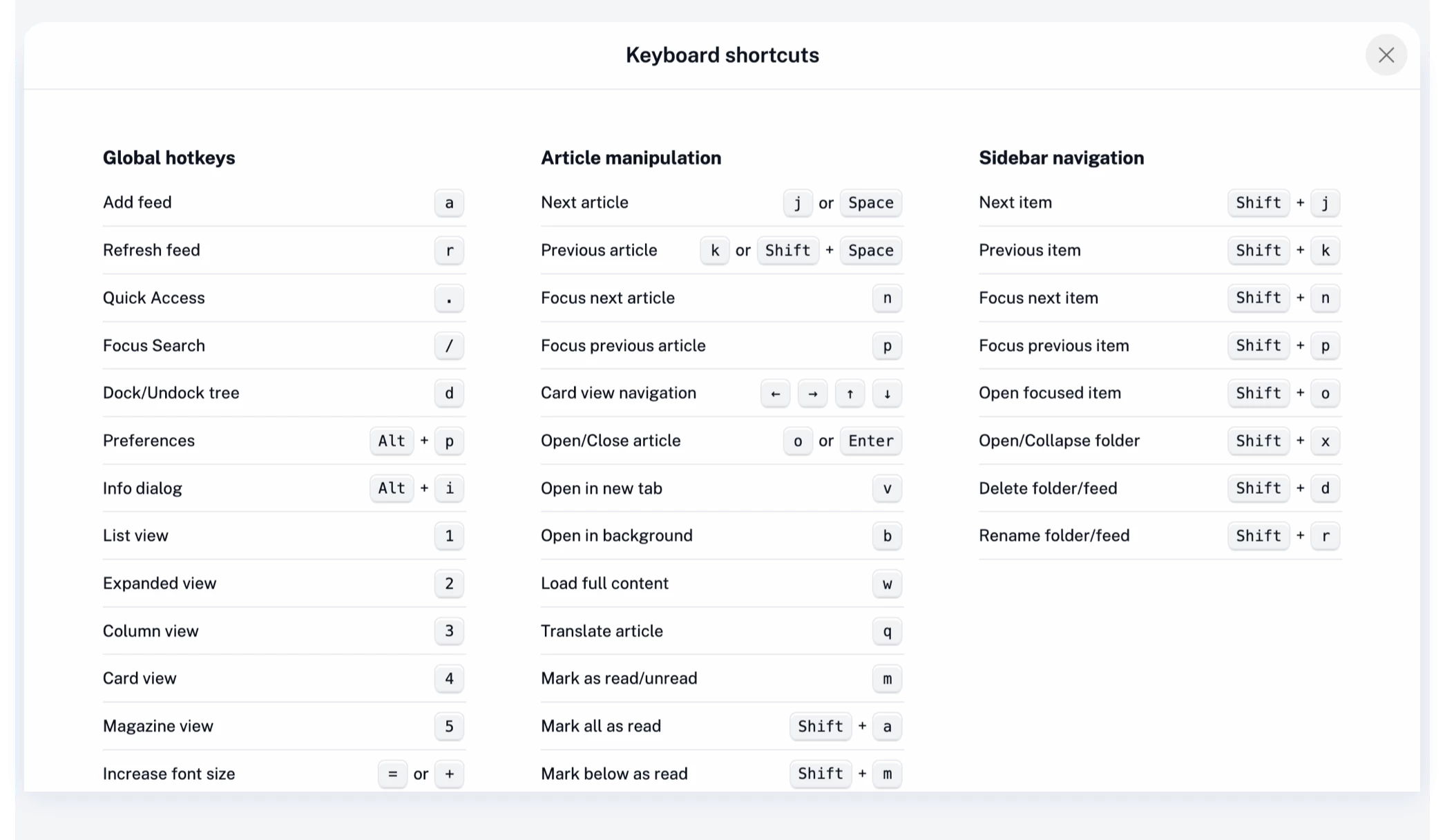
The redesigned quick access menu is built for speed, especially if you prefer using your keyboard over clicking.
A quieter, faster experience overall
These changes aren’t about adding more – they’re about optimizing what you already use. Less movement in the interface, clearer actions, and quicker navigation all add up to a more focused reading experience.
As always, your feedback plays a big role in shaping updates like this, so thank you, and keep it coming!