Can I sync my YouTube subscriptions with Inoreader?
Yes, with Pro. Connect YouTube in Preferences > Share, save, login, and Inoreader follows every channel you subscribe to on YouTube in a folder called YouTube subscriptions. It checks your subscriptions every 12 hours, follows new ones and unfollows the channels you've left on YouTube.
Connect your YouTube account
- Click the gear in the tab bar and open Share, save, login.
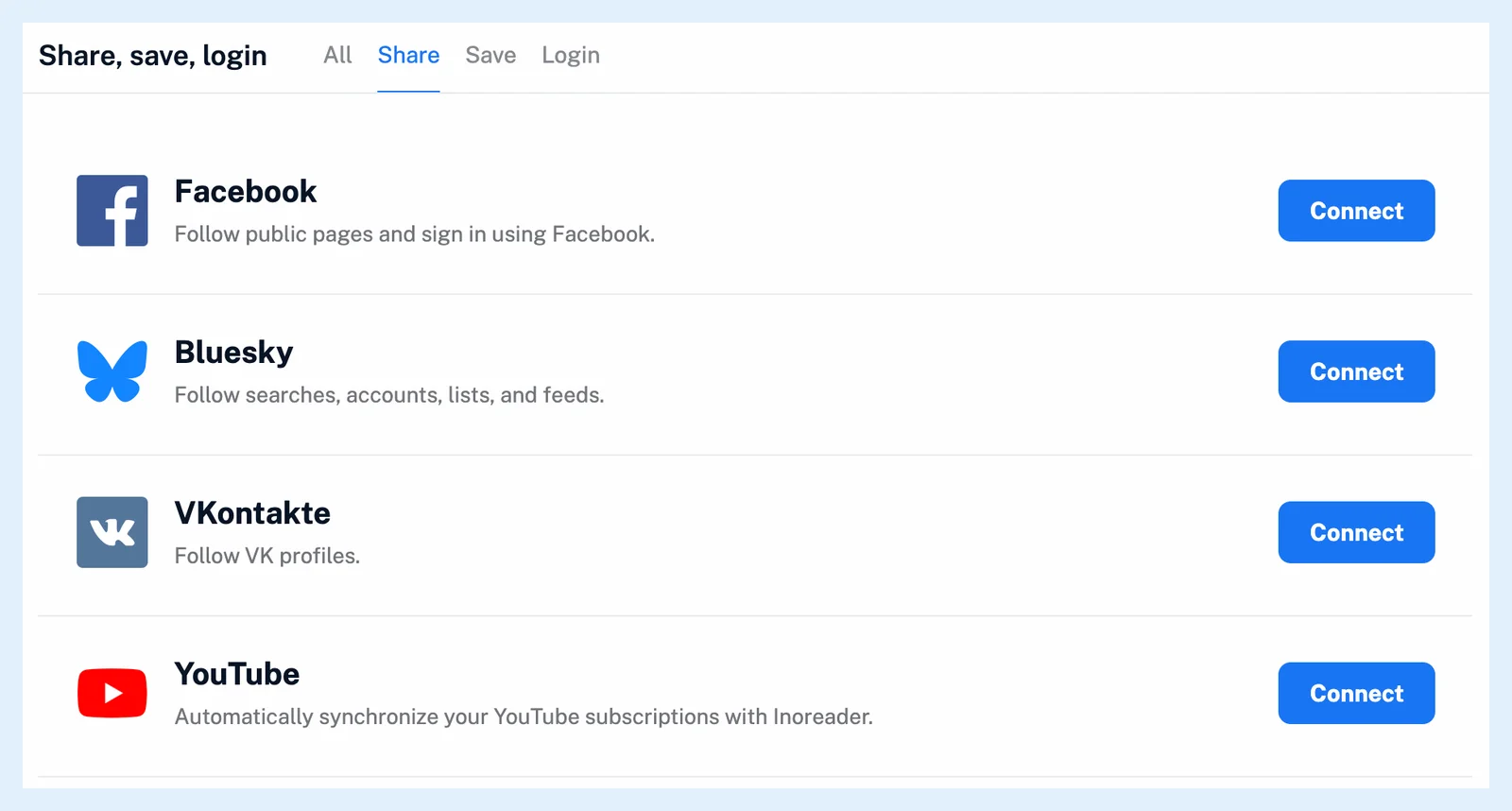
- On the Share tab, click Connect next to YouTube.
- Sign in to Google and allow Inoreader to view your YouTube account. Inoreader asks for read-only access.
- Inoreader opens the YouTube subscriptions folder with your channels.
After you follow a YouTube channel by hand, a dialog points to this setting as well. Give it a try opens it.
Change the folder or turn the sync off
Once connected, the YouTube row reads "You are connected to your YouTube account." Click Edit to pick another Folder for the synced channels, or a new one by name, or to untick Synchronize your YouTube subscriptions to Inoreader. and stop the sync. Click Save. Stopping the sync keeps the channels you follow, and so does deleting the sync folder, which ends the sync too.
Disconnect removes the connection and the sync settings and keeps your channels. It also disconnects your Google account from Inoreader.
The sync schedule
Inoreader reads your subscriptions every 12 hours while you use the account, and weekly when you haven't been active for a month, so a change made on YouTube shows up within 12 hours. New subscriptions are followed into the sync folder. A channel you unsubscribe from on YouTube is unfollowed only when the sync added it. Channels you followed yourself stay. Synced channels count toward the Pro feed limit of 2,500, and the sync reads up to 2,500 subscriptions at a time.
With many channels in one folder, Can I hide YouTube Shorts from my folders? keeps the Shorts out of it.
Plans and limits
The sync is a Pro feature. Following single channels and playlists works on every plan. Where can I manage my integrations? describes the Share, save, login page, Follow YouTube channels in your RSS reader has the overview, and Keep Your YouTube Subscriptions in Sync With Inoreader announced the feature.
Can't find an answer? Contact support