Where can I see all articles from my feeds together?
The Newsfeed, the first entry of the Feeds tab in the sidebar, lists the articles of every feed you follow in one stream, newest first, so you can read everything without opening the feeds one by one.
Open the Newsfeed
- Click the Feeds tab in the tab bar on the left.
- Click Newsfeed at the top of the sidebar, or press G and then A from anywhere in the app.
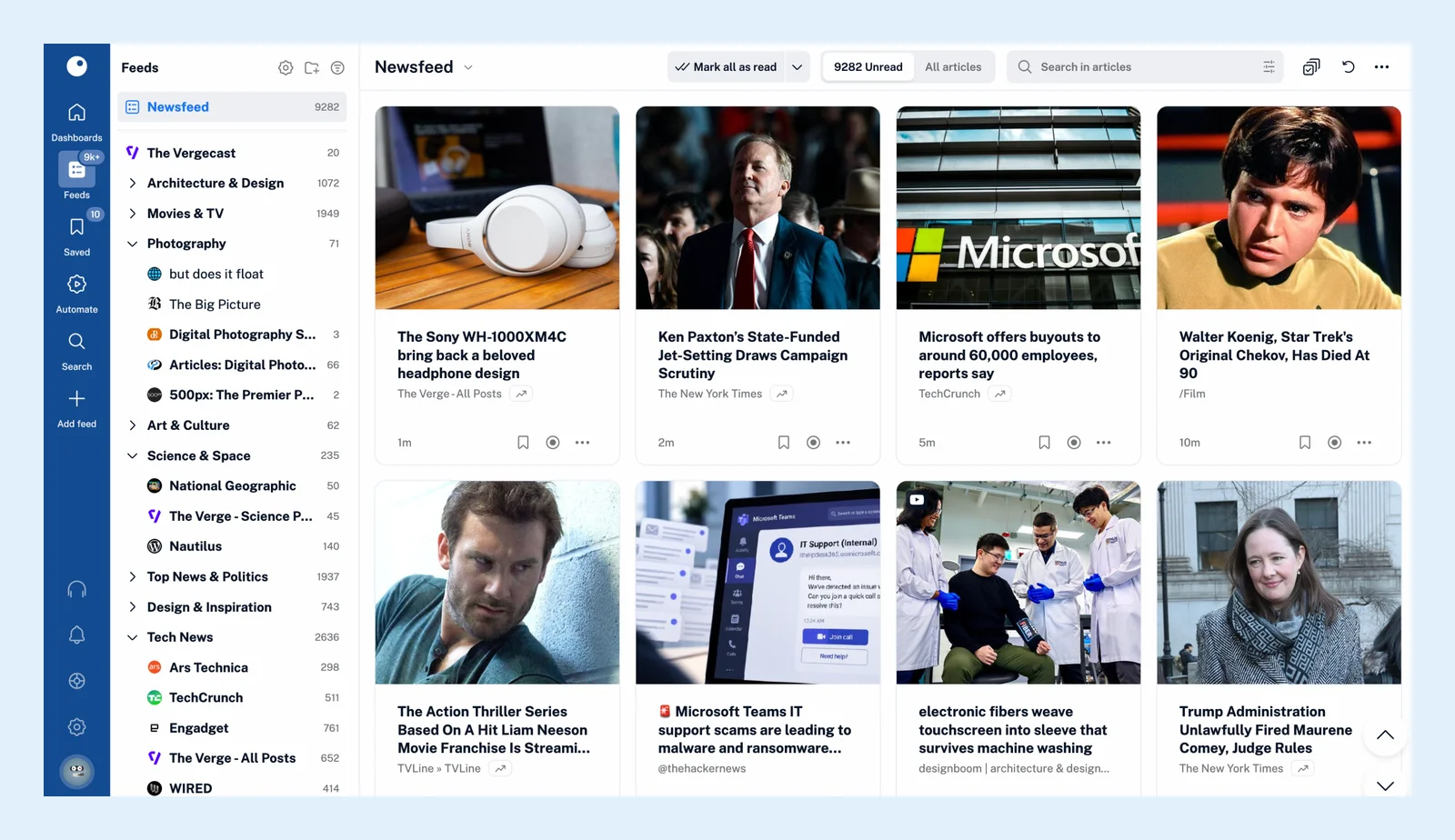
The article list
The Unread tab (Shift + 1) shows only the articles you haven't read yet, and All articles (Shift + 2) shows the read ones too. The number next to Newsfeed in the sidebar is the unread count of your whole account. Above the list you can sort by Newest first or Oldest first, pick a layout under Layout (List, Card, Magazine, Column, Expanded or Library), and finish with Mark all as read. The video shows the layouts side by side.
An article stays unread for 30 days, so an older one you never opened shows only under All articles.
Newsfeed settings
Right-click Newsfeed for its menu. Set as start page opens the Newsfeed whenever you open Inoreader, Feed properties shows the statistics of your whole account, and Create rule and Filter feed make a rule or a filter that applies to every feed at once (Pro).
Folders and the Team newsfeed
A folder works the same way for the feeds inside it: click it to read them together, and the same tabs, sorting and layouts apply. On Team plans, the Team tab has a Team newsfeed of its own.
A dashboard as your start page
If you'd rather start with a summary than a list, a dashboard shows the newest articles of the feeds and folders you choose in widgets, and it can be your start page instead of the Newsfeed.
Can't find an answer? Contact support