Can I discover new sources in Inoreader?
Yes. Inoreader suggests sources in three places: the featured collections and the topic lists on the Add new page, the related topics next to every feed search, and the suggestions that appear while you read.
Featured collections
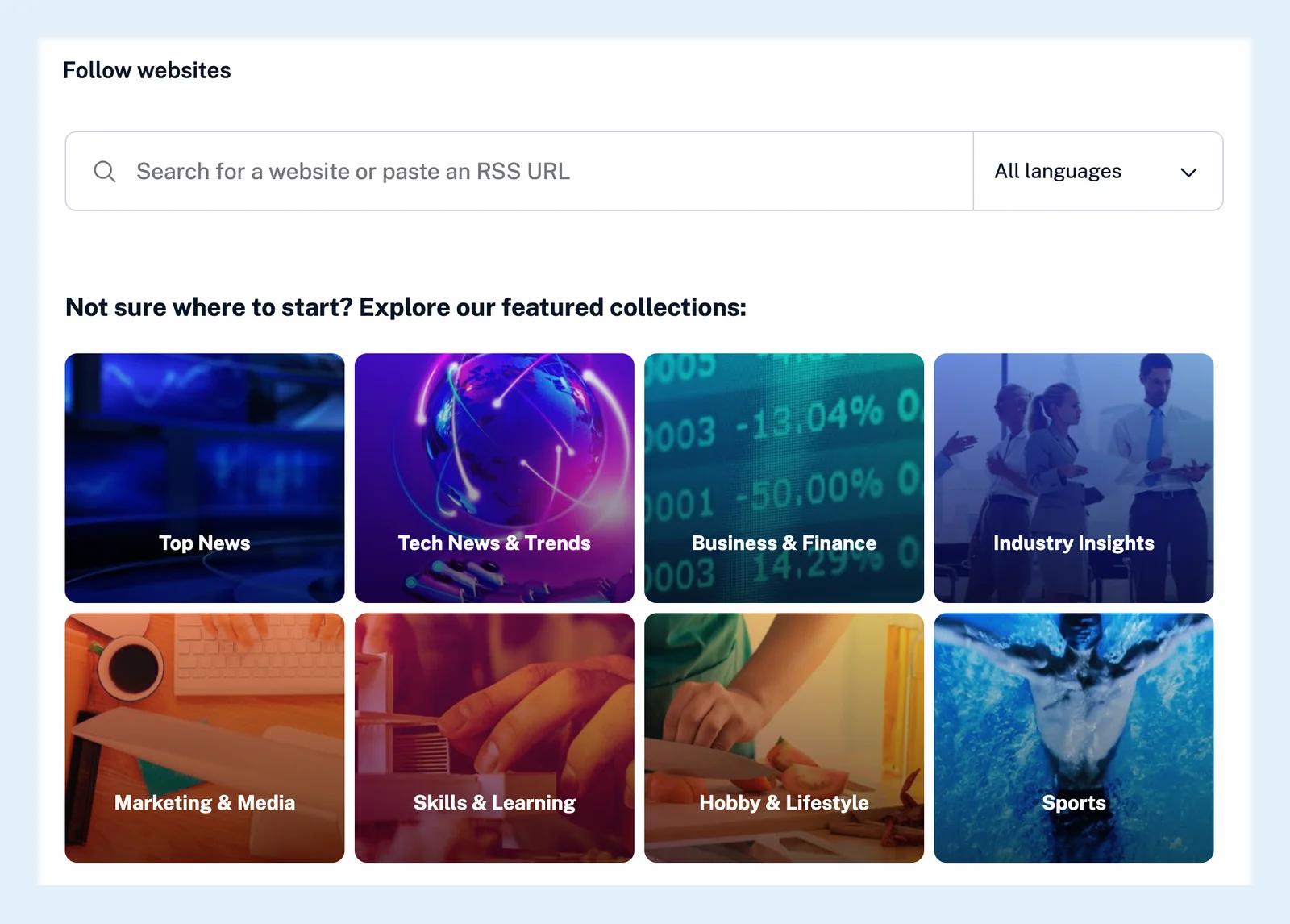
Click Add feed in the tab bar and choose Website. Below the search box are collections curated by the Inoreader team, such as Top News, Tech News & Trends, Business & Finance and Sports. Open one to see its feeds with their followers and latest articles, then click Follow collection to follow all of them at once, or Follow next to a single feed. The search box above them is where you add a feed by name or address.
Topics
Type a word into the search box, and Inoreader shows matching Topics as hashtags above the results and Related topics below them: lists of the feeds other readers keep under that subject. Click a topic to browse its feeds, or type a hashtag such as #photography straight into the box. To see feeds in one language only, pick it in the All languages menu next to the search box. The blog post Discover content with Inoreader has more on collections and topics.
Suggestions while you read
As you scroll through a feed, a folder or the Newsfeed, Inoreader now and then shows Feeds you might like, three feeds chosen from what you already follow. Click Follow on one you like, or Do not show this again on one you don't want. You can switch the suggestions off under Preferences > Settings > General with the Feed suggestions setting.
Sources outside your feeds
With Pro, Global search finds articles in all the public feeds Inoreader indexes, so you can see which sources cover a subject before you follow any of them, and a monitoring feed turns such a search into a feed that keeps delivering new matches. Every kind of source you can add, from websites to newsletters, is listed in What types of sources can I follow?
Plans
The collections, the topics and the suggestions are free on every plan. Global search and monitoring feeds are Pro. More about finding feeds is on Find feeds to follow.
Can't find an answer? Contact support