How do I share an article with my Team?
Open the article and click Share with Team in its button row, or press S. In the dialog, tick one or more channels under Select channel, add a note if you like and click Share with Team. The other members of those channels are notified in Inoreader and on their phones.
Share one article
- Open the article.
- Click Share with Team in the article's button row, or press S.
- Under Select channel, tick one or more channels.
- Write a note if you want to, and type @ to mention someone.
- Click Share with Team.
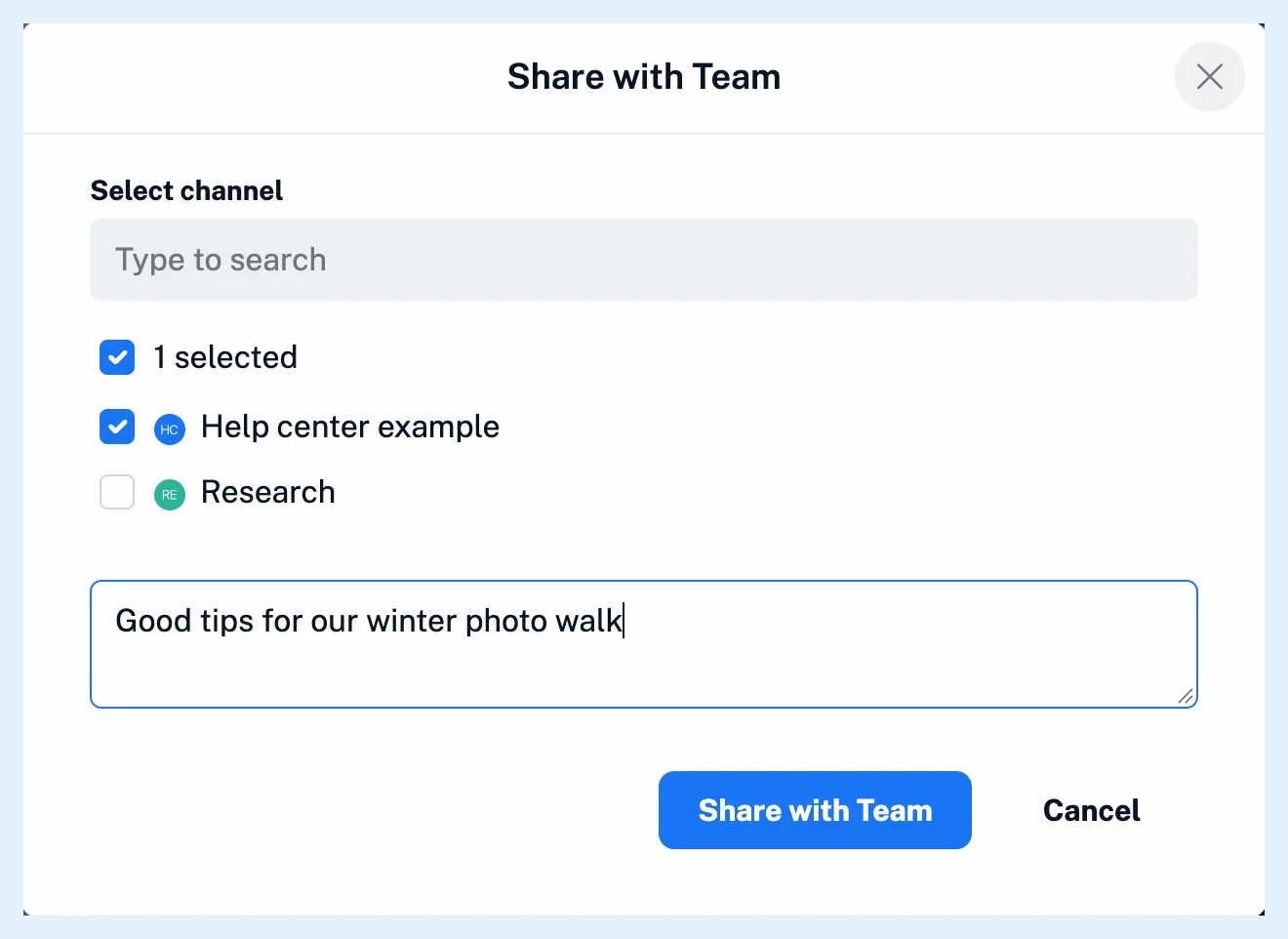
Share with Team stays disabled until a channel is ticked. You see the button only as a member of at least one channel. Without one, the dialog asks you to join a channel first.
The shared article appears in each chosen channel under Channels in the Team sidebar, and your note is saved as its first comment. A translation is your own version of the article, so teammates see the original, as Can I share translated articles? explains.
Change or undo a share
Open the dialog again on a shared article. The button now reads Save changes, and Stop sharing removes the article from your channels with your note.
Share several articles at once
Select up to 50 articles with Bulk actions, as How do I use bulk actions? explains, and click Share with Team in the bar. The note goes with every article.
Who is notified
The first time an article lands in a channel, every other member with New shared article on gets an in-app notification under Notifications in the tab bar and a push notification in the Inoreader app. Someone you mention in the note also gets an email. Each member sets the switches New shared article and Comments, on by default, in the channel's ⋯ menu in Manage Team > Content > Channels. A channel connected to Slack or Microsoft Teams gets the article posted there once.
Plans
Sharing comes with the Team and Team Intelligence plans, for members of at least one channel. What is a Team channel? explains channels, Where do comments appear? the discussion. The feature page Share one set of sources with your whole team and the blog post Introducing new collaboration features for Inoreader Teams have more.
Can't find an answer? Contact support