Why are notifications not arriving?
Start with the rule: open Automate and check that its switch is on and Matches today shows a number. Then check the app on the phone for a push, and the browser, the operating system and the open Inoreader tab for a desktop alert.
Check that the rule matched
Rules act only on articles that arrive after the rule is on, with the feed's next check (at least hourly for an active feed with a Pro follower). In Automate > Rules, click Matches today to see the matched articles. A rule with more than 1,000 matches in an hour is switched off, and so is one watching a feed you no longer follow or a deleted folder or tag. Why is my rule not triggering? covers the conditions and triggers.
Check push notifications on the phone
- Open any article's menu and choose Send to device.
- If the menu says No mobile devices, sign in to the official Inoreader app for iOS (version 3.3 or later) or Android (3.5 or later). Where can I use Inoreader? names the apps.
- If the app asks Turn on notifications?, allow them in the phone's settings.
- When the device is listed, pick it to send a test article.
Check desktop alerts in the browser
- Open the rule and look at the Show desktop alert action. If it shows Enable notifications, click it and allow notifications when the browser asks.
- On a Mac, open System Settings > Notifications and make sure your browser may show notifications: Inoreader can't see this switch, and with it off the alert vanishes without a trace.
- Keep Inoreader open in a tab and switch to other work. The tab checks the server every 5 minutes on Pro and shows the waiting alerts then.
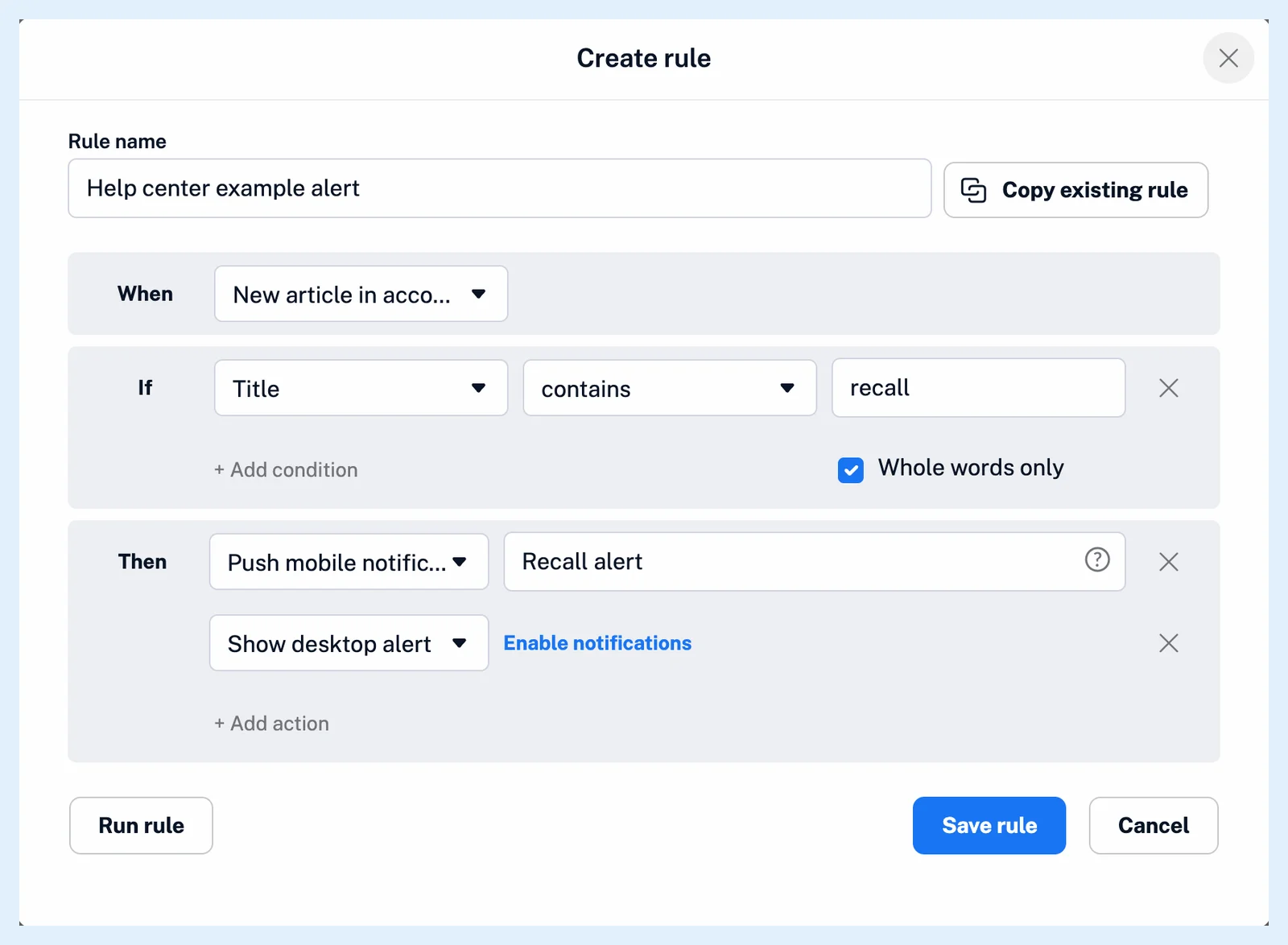
Alerts appear only while you're not looking at Inoreader: when the tab is in front at a check, the waiting alerts are cleared unseen. Each check shows at most five alerts and clears older ones, and an alert that waits more than 24 hours is dropped. With Inoreader open in two browsers or on two computers, whichever checks first shows them.
For an article you must not miss, add Send to email to the same rule, since a desktop alert needs an open tab.
Rules with push notifications and desktop alerts are Pro, while Send to device works on every plan. How do I get a notification when a matching article arrives? walks through the setup.
Can't find an answer? Contact support