What is text-to-speech?
Text-to-speech reads an article aloud. Click the Listen with text-to-speech icon in an opened article's button row, and Inoreader generates the audio on its own servers and plays it in a player above the text.
Listening lets you catch up on long articles while your eyes are busy with something else. The icon is on every article that has no audio attachment. A podcast episode shows Play audio instead. The steps are in how to listen to an article with text-to-speech.
The text that is read aloud
Inoreader reads the title, then the article text as it is shown in the reader, so a loaded full article or a translation is what you hear. Attachments, ads, code blocks, images and embeds are skipped, a bare link is read as its site name, and up to 50,000 characters of an article are read. A short tone marks the end.
The voice follows the article's detected language, and 44 languages have one, among them English, German, French, Spanish, Portuguese, Italian, Dutch, Russian, Ukrainian, Polish, Turkish, Arabic, Hindi, Japanese, Korean and Chinese. To listen in your own language, translate the article first: after a translation, the article's language is the target language and the translation is read in it. See how to translate an article.
The player
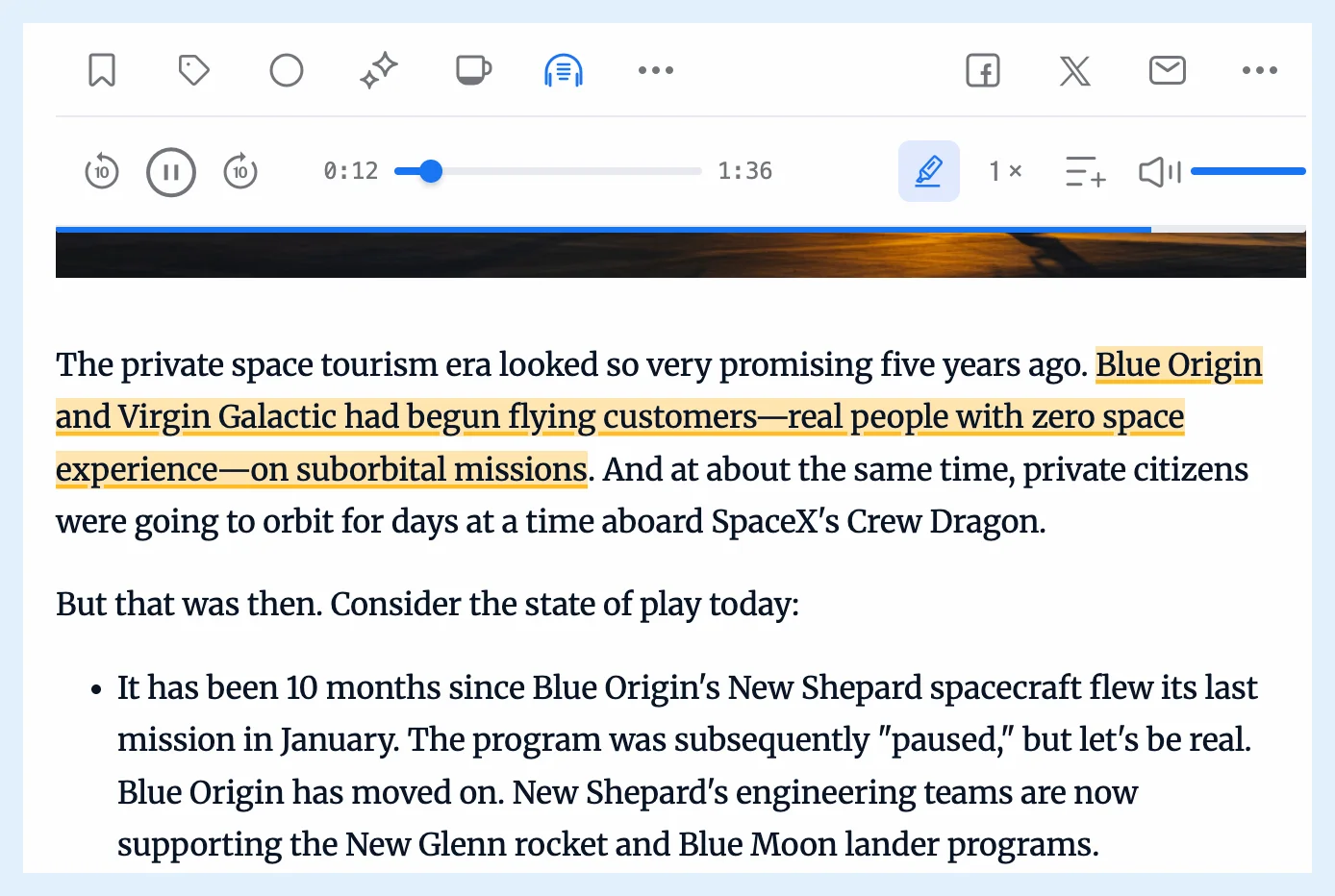
The player offers back 10 seconds, play and pause, forward 10 seconds, the elapsed time, a progress bar, the duration, a highlight button, a Speed menu (0.75, Normal, 1.25, 1.5, 1.75 and 2), Add to playlist and the volume. Narration tracking highlights the sentence being read and keeps it in view. It's on by default, and the highlight button turns it off and remembers your choice in that browser. The post Follow along with text-to-speech and narration tracking introduces it.
Listen to several articles in a row
Add to playlist sends the article to the Audio player near the bottom of the tab bar, where articles read by text-to-speech and podcast episodes share one playlist and play one after another. See whether you can listen to articles and podcasts together.
Plans and limits
Free accounts can listen to 5 articles a day, and the player shows how many are left today. Pro has no daily limit. The feature page Listen to any article has the overview.
Can't find an answer? Contact support