Can a feed always load full content?
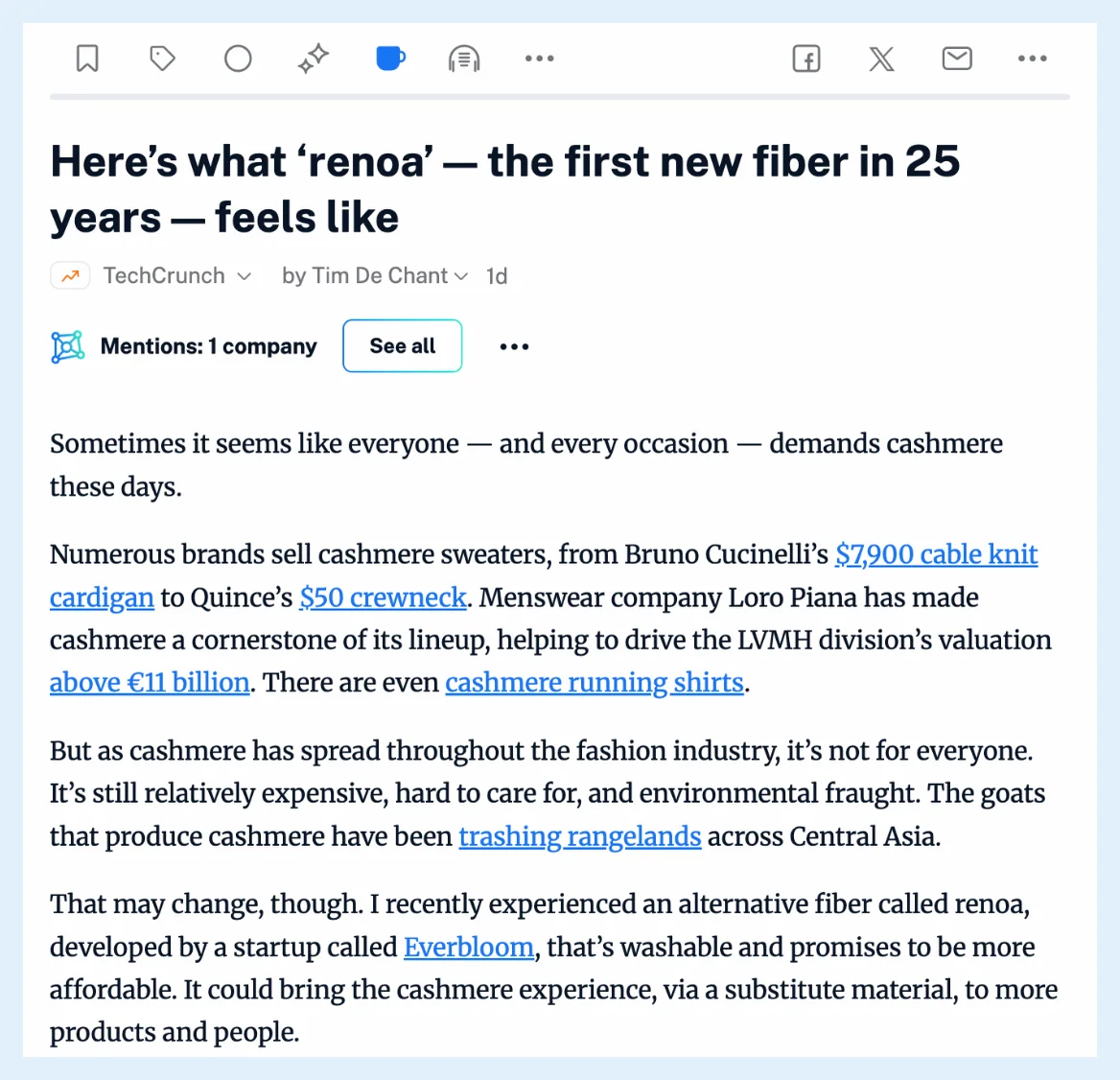
Inoreader loads the full article when you ask for it, one article at a time, with Load full content or the W key, and on Pro, Team and Custom plans the loaded text then stays with that article. A few features fetch the full text on their own: saving to Evernote, OneNote, Dropbox or Google Drive, summaries of short articles and the offline sections in the mobile apps.
Load an article by hand
Click Load full content in the article's button row or press W, and the whole text appears in place. On Pro, Team and Custom plans the loaded text is kept as your copy of that article and shows each time you open it. On Free and Supporter the full text is loaded again each time you click. How do I load the full article? has the steps, and why do I see only part of an article covers feeds that send a summary.
Fetch the full text when saving to a service
Once Evernote, OneNote, Dropbox or Google Drive is connected, its Edit panel in Preferences > Share, save, login has the option Automatically fetch the full content for truncated articles before saving to Evernote. Inoreader then uses the full article when it's longer than the feed's text, for the articles you save yourself and for rule actions that send to those services. Where can I manage my integrations? shows where the services are set up.
Summaries of short articles
When the feed's text is under 200 words, a summary loads the full article itself and uses it when it's at least twice as long.
Offline sections in the mobile apps
Each offline section has a Download full content switch, off by default, which fetches the full text of that section's articles for reading offline. How do I make content available offline? explains offline sections.
Open the publisher's page instead
For a feed you'd rather read on its site, choose Open original webpages in the More menu of the article list. Inoreader remembers the choice per feed, and Preferences sets the default under Open articles.
Loading one article is free on every plan, and keeping it, the services' automatic fetch and offline Download full content are part of Pro, Team and Custom plans. Read the whole article instead of the snippet gives the overview.
Can't find an answer? Contact support