What are content filters?
A content filter checks every new article of a feed or folder against conditions you set. With Remove articles it hides the articles that match, and with Keep articles it hides everything that doesn't. Filtered articles are hidden on every device.
Remove or keep
The two modes sit at the top of the dialog, and a new filter starts on Remove articles. A content filter works on one feed or one folder, not on the Newsfeed or a monitoring feed, and each source holds one. Opening it again edits the existing one through Edit filter. A folder filter covers every feed in the folder, including feeds you add to it later, and the dialog warns you when another filter already covers the source.
Set the conditions
The conditions are the ones rules use: a field such as Title or content, Title, Content, Author, URL, List of RSS categories, Detected language or List of mentions, or whether the article has attachments, pictures or video. A match type such as contains, is, begins with or matches regular expression. And a text. A comma is searched as a comma, so add one condition per term with + Add condition and join them with Or. And needs every condition to match. Whole words only is ticked on a new filter, so "launch" doesn't match "launcher". Mentions work as a condition too.
Set one up
- Right-click a feed or folder in the sidebar and choose Filter feed or Filter folder, or go to Automate > Filters, click Create filter, pick the source and click Filter content.
- Choose Remove articles or Keep articles.
- Set the first condition, for example Title contains "sponsored". Click + Add condition for more and pick And or Or.
- Leave Whole words only ticked unless partial words should match.
- Click Save filter.
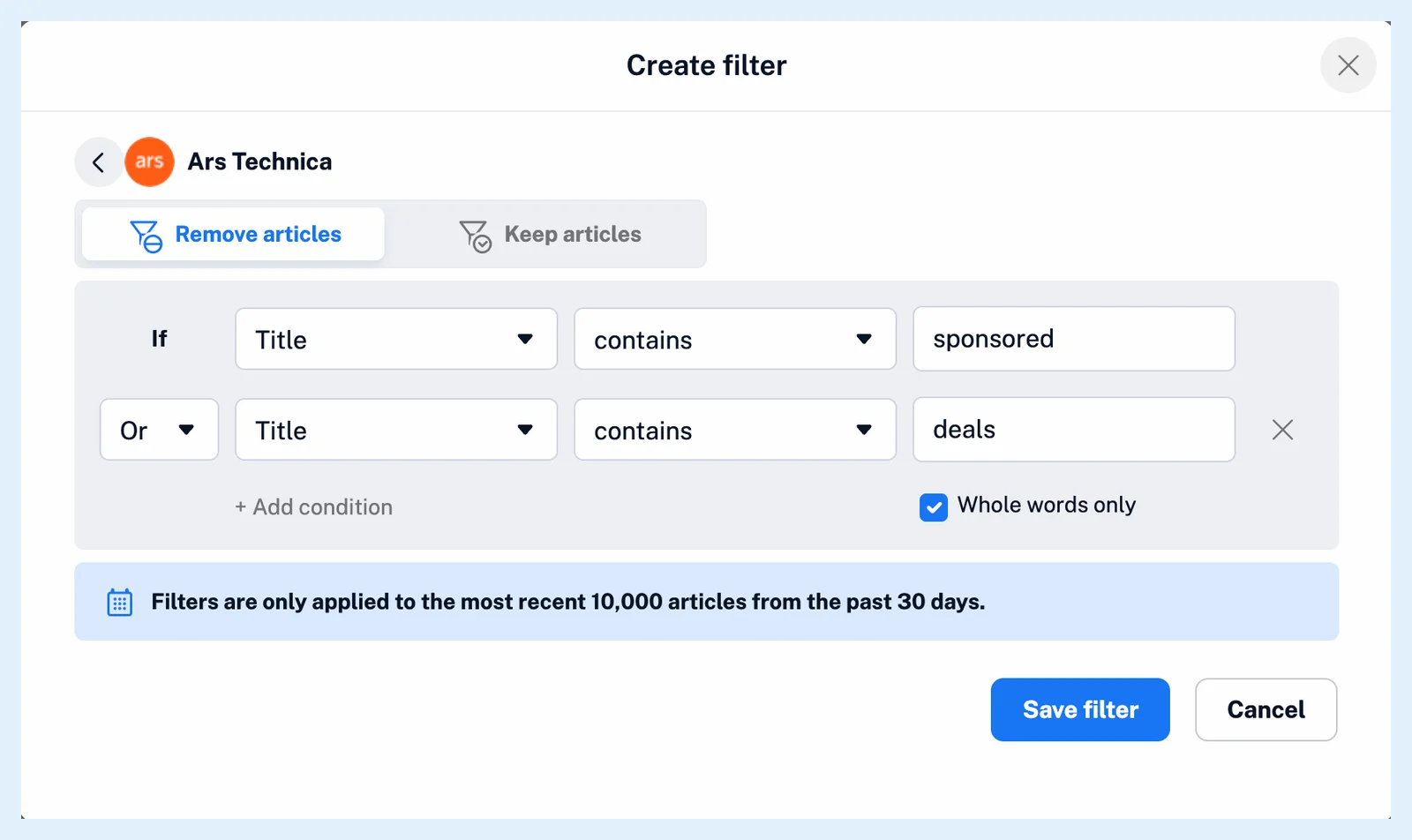
Saving applies the filter to the recent articles already in the source as well. A removed article is marked read and hidden for you everywhere, and turning the filter off or deleting it brings those articles back as unread. Where can I create and manage filters? covers the Filters page, and What are filters? the other kind, the duplicate filter.
Filters are a Pro feature, and content and duplicate filters share the plan's 50. The blog post Streamline content discovery with filters and rules shows them side by side.
Can't find an answer? Contact support